Landscape orientation gives your wide scenes the space they need. It works well because it aligns with how we naturally scan left to right, making compositions feel intuitive rather than cramped. Position your main subject along the upper or lower third, then layer foreground, middle ground, and background to create depth. Use leading lines to guide viewers through the frame. Test your shots across desktops, tablets, and TVs before finalizing—aspect ratios like 16:9 work well for most platforms. Stick around to discover which scenarios benefit most from this approach.
Why Landscape Works for Wide Visuals
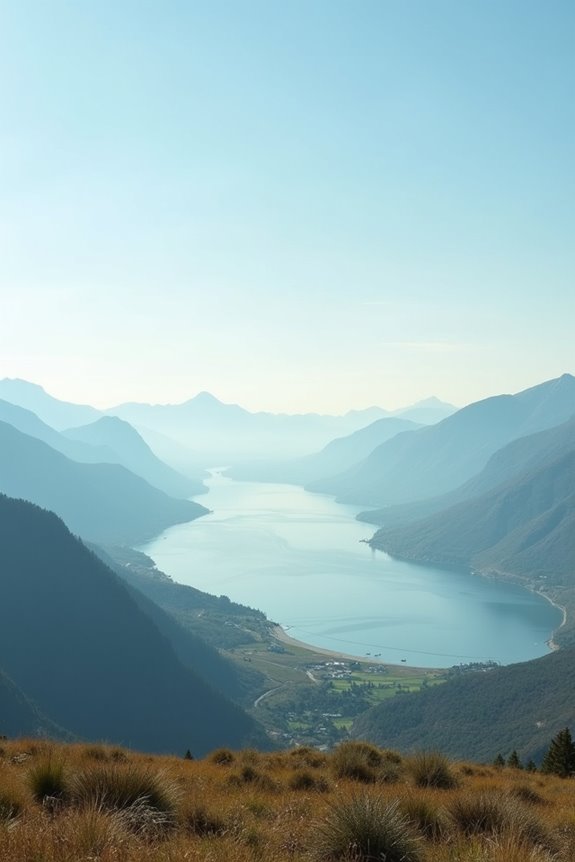
Think of it this way: wide visuals need breathing room. A scenery canvas lets your content stretch naturally, creating better spatial relationships. Your eyes scan left to right effortlessly—the same pattern we’ve used for reading for centuries. It’s intuitive, not forced.
Composing Depth Across the Horizontal Frame
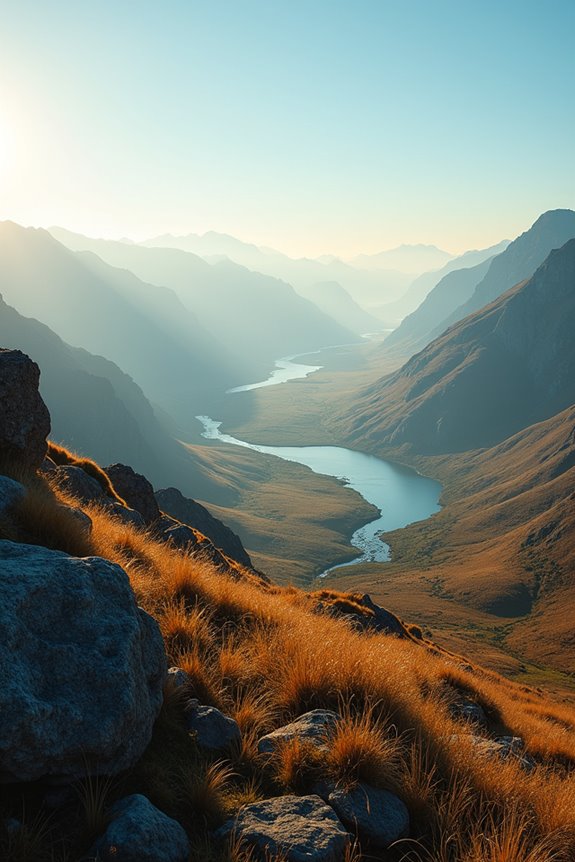
- Leading lines (rivers, roads, fence rows) pull viewers’ eyes from foreground through background
- Foreground, middle ground, background elements create separation across the width
- Atmospheric perspective—haze and color shifts—make distant objects recede naturally
- Rule of thirds positioning anchors key subjects at left and right intersections
- Wide-angle lenses exaggerate distance, showing more foreground and background simultaneously
Position your main subject along the upper or lower third, leaving breathing room that emphasizes horizontal space. Combining these techniques—layered composition, atmospheric shifts, and strategic leading lines—draws viewers into the scene’s depth rather than allowing them to skim its surface.
Scenes Where Landscape Really Shines
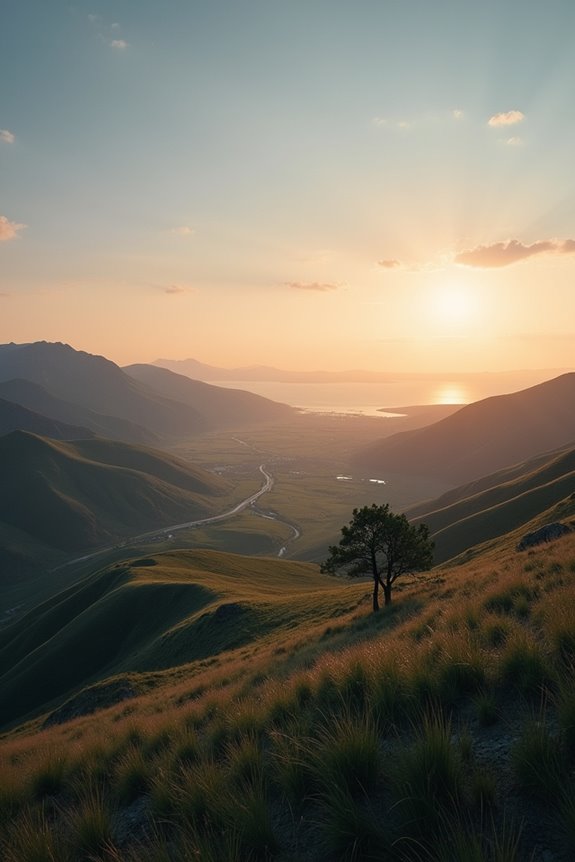
Once you’ve mastered layering depth and placing subjects strategically across the frame, you’ll quickly notice that certain scenes simply demand panorama orientation.
Where Landscape Orientation Excels
Wide scenes—think sprawling coastlines, mountain ranges, or city skylines—practically request horizontal display. When you’re capturing a horizon stretching 180 degrees, landscape orientation lets viewers absorb the full context without cropping essential details.
Wide scenes demand landscape orientation—let viewers absorb full horizons without losing essential details.
Practical Applications
Video production relies on cinematic aspect ratio (typically 16:9), which mirrors landscape orientation. Architecture benefits too; you’ll fit entire building facades and street perspectives in one shot. Digital designers use landscape for website banners and social media covers, where horizontal real estate matters.
The Real Advantage
You’re not just fitting more into the frame—you’re creating immersive breadth. Multiple elements coexist naturally: foreground, middle ground, background. That’s when landscape orientation stops being optional and becomes necessary.
Adapting Your Shots to Different Platforms
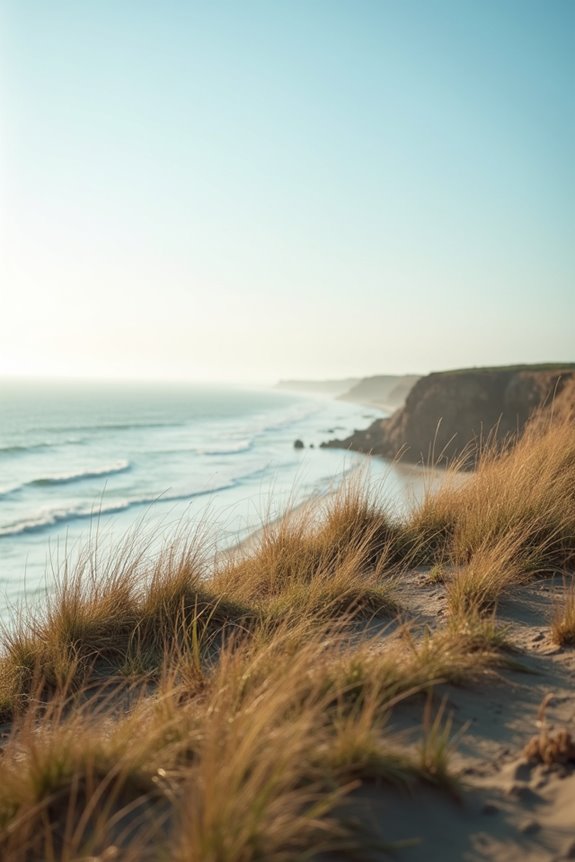
What happens when you capture that perfect setting image and realize it needs to look good everywhere—your client’s website, their Instagram feed, a billboard, and a 4K monitor?
You’ll need to master cross-platform display. Here’s what I’ve learned works:
- Resize to standard aspect ratios like 16:9 for panoramas and 1:1 for social feeds
- Crop strategically, keeping subjects in the left and right thirds for balanced composition
- Test your orientation on desktops, tablets, and TVs before finalizing
- Use upscaling sparingly to maintain sharpness on high-resolution displays
- Check text overlay legibility across all platforms
The trick isn’t forcing one image everywhere—it’s adapting thoughtfully. I resize horizontally first, then adjust crops for each platform while preserving context. You’re speaking different visual languages to different audiences, which works better than one-size-fits-all every time.
What Not to Do: Common Landscape Mistakes
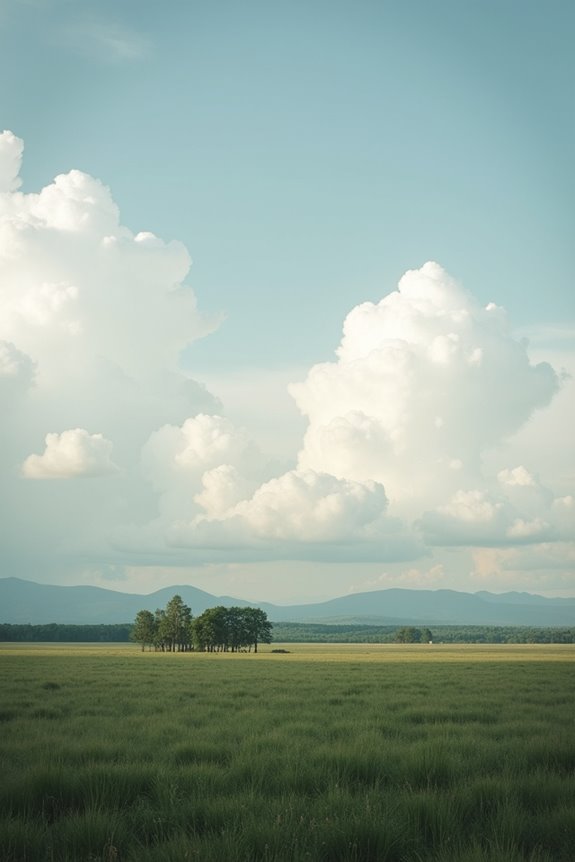
Why do so many scenic layouts fall flat? I’ve learned that landscape orientation requires intentional choices you can’t ignore.
Spacing matters more than you’d think. Don’t crop too narrowly—your horizontal content needs breathing room. I used to waste half my page with excessive margins, which defeats the purpose entirely.
Subject placement is critical. Keep your main focus away from edges; placing it too close invites cutting during printing.
Headers and footers need attention. Rotate them if necessary so they’re readable, not squeezed awkwardly.
Avoid mixing portrait images without rotating them first. That creates dead white space that reads as unfinished.
Consistency across pages matters—maintain matching margins and color profiles throughout your document. Small details compound into polished results.